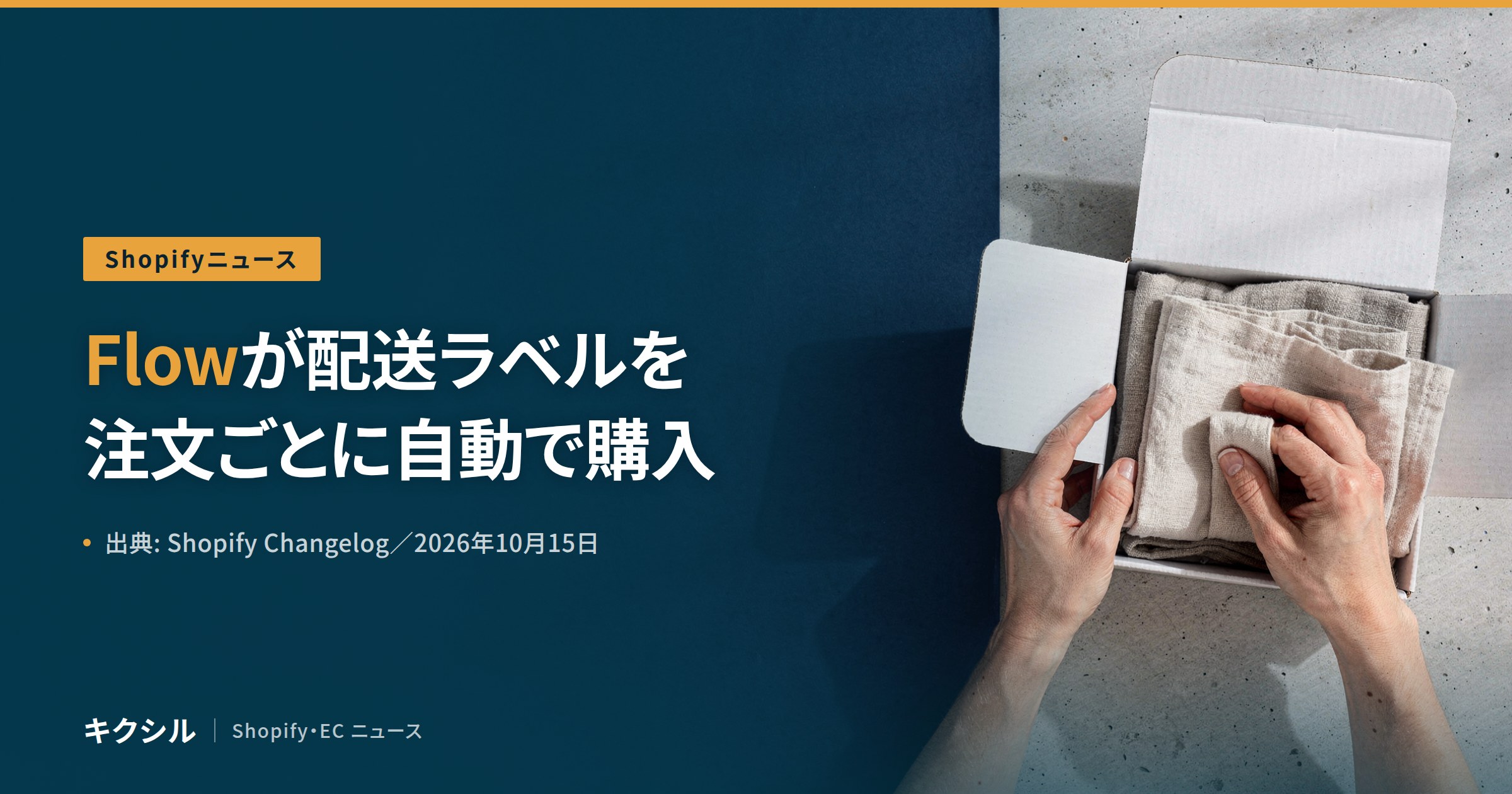
Shopify Flow のアクションで、配送ラベルを買えるようになりました。
掲載は2026年10月15日、店主向けの Changelog。
出典: Shopify Changelog「Buy shipping labels automatically with Shopify Flow」2026年10月15日
https://changelog.shopify.com/posts/buy-shipping-labels-automatically-with-shopify-flow
- ラベル: Improvement / Shipping
- 対象: Shopify Flow のアクション
- ねらい: 条件に合う注文のラベルを、注文が入るたびに買う
条件に合う注文のラベルを、Flow が買います
条件を決めるのは店。
Merchants can now buy shipping labels with a Shopify Flow action. Set the conditions for which orders qualify, and Flow buys the labels as orders come in.
(Shopify Flow のアクションで配送ラベルを買えるようになりました。対象にする注文の条件を決めると、注文が入るたびに Flow がラベルを買います)
- 動く仕組み: Shopify Flow のアクション
- 店が決めること: 対象にする注文の条件
- 買う時機: 注文が入るたび=”as orders come in”
ラベルの中身は、店が先に選んでおきます
選ぶのは次の項目です。
Choose the carrier and service, package type, weight, and ship date to use.
(使う配送業者とサービス、荷物の種類、重さ、発送日を選びます)
- 配送業者とサービス
- 荷物の種類
- 重さ
- 発送日
対象の注文は、タグや商品で絞り込めます
条件を組み合わせることもできます。
You can trigger on orders with a specific tag, orders that contain certain products, single-item orders, or any combination of order attributes.
(特定のタグが付いた注文、特定の商品を含む注文、商品が1点だけの注文、または注文の属性の組み合わせで動かせます)
- 特定のタグが付いた注文
- 特定の商品を含む注文
- 商品が1点だけの注文
- 注文の属性の組み合わせ
条件に合わない注文には、何もしません
ラベルが付くのは、合った注文だけです。
Each matching order gets a label automatically, ready to print from your Shipping labels page. Orders that don’t match are left alone.
(条件に合う注文には、それぞれ自動でラベルが付き、Shipping labels のページから印刷できます。合わない注文はそのままです)
- 合う注文: ラベルが自動で付く
- 印刷の場所: Shipping labels のページ
- 合わない注文: “left alone”=手を付けない
始め方は、用意されたテンプレートからです
テンプレートを店に合わせて直し、オンにする流れ。
To get started, open a ready-made workflow template in Flow , adjust the settings for your store, and turn it on. Learn more about shipping label automations in the Shopify Help Center.
(始めるには、Flow で用意済みのワークフローのテンプレートを開き、店に合わせて設定を直して、オンにします)
- 出発点: 用意済みの workflow template
- 店がやること: 設定を店に合わせて直す
- 最後: オンにする
🔴 公式に書かれていないこと
- 日本のストアで使えるかは書かれていません
- 選べる配送業者とサービスは書かれていません。原文は “the carrier and service” とだけ書きます
- 対象のプランは書かれていません
- ラベルの代金をいつ、どの方法で払うかは書かれていません
- 用意されたテンプレートの名前は書かれていません
- 間違って買われたラベルの扱いは書かれていません
- 管理画面の日本語の表示名は書かれていません。「Shipping labels」は原文のまま書いています
- 原文のリンク先の Help Center の中身は、本記事では見ていません
- 🔴 記載が無いことをもって「使える」とも「使えない」とも書きません
店の手順は3つです
順に進めてください。
- Flow で、配送ラベルの用意済みテンプレートを開く
- 対象にする注文の条件と、配送業者・荷物の種類・重さ・発送日を店に合わせて直す
- オンにした後、Shipping labels のページで買われたラベルを見直す
🔵 上の手順は原文の始め方を並べ直した編集部の整理で、公式の記載ではありません。
出典
- Shopify Changelog「Buy shipping labels automatically with Shopify Flow」2026年10月15日
https://changelog.shopify.com/posts/buy-shipping-labels-automatically-with-shopify-flow
上記の Shopify 公式の情報だけを一次情報として使っています。
次の事項は「未確認」として扱い、推測で補っていません。
- 日本のストアへの対応と、対象のプラン
- 選べる配送業者とサービス
- ラベルの代金の払い方
- 用意されたテンプレートの名前
- 管理画面の日本語の表示名